
Resources
Manual
Credits, history, downloads, and troubleshooting
Understand how credits are used, where to find generation history, what to do when generation fails, and what to check before publishing output.
How credits are used
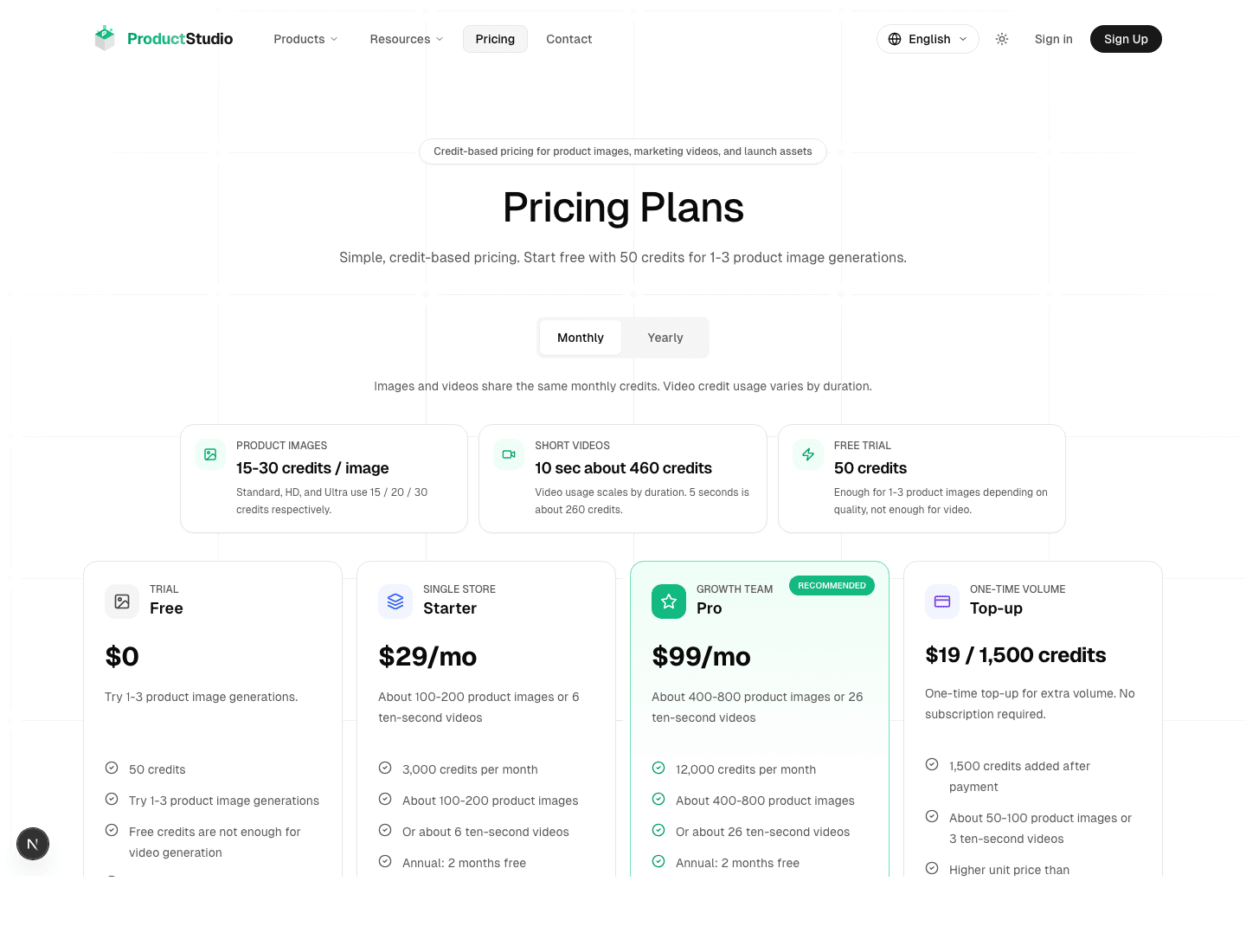
| Operation | Typical credit usage |
|---|---|
| Standard image | 15 credits per image |
| HD image | 20 credits per image |
| Ultra image | 30 credits per image |
| 5-second video | About 260 credits |
| 10-second video | About 460 credits |
| New user welcome balance | 50 credits |
What to do when credits are insufficient
- 1Read the credit shortage message near the generation button.
- 2Open Buy Credits or Credits Management.
- 3Purchase a plan or a one-time credit pack.
- 4Return to the original tool and run the generation again.
Find generation history and downloads
After signing in, use the dashboard to review account information and generation history. Download the result from the tool page when it completes, or find past output in the dashboard later.
| Page | What you can do |
|---|---|
| Dashboard | View account information, current plan, image history, and video history |
| Credits Management | View balance, buy credits, and review credit transactions |
| Profile | View or update account basics |
When generation fails
- Read the visible error message first.
- Check whether the image is too small, blurry, unsupported, or likely to trigger content review.
- Reduce task complexity and try one standard-quality image first.
- If credits were deducted for an eligible failed task, ProductStudio handles credit return through the recorded failure flow.
Pre-publish checklist
| Check | What to verify |
|---|---|
| Product accuracy | Color, shape, material, accessories, and packaging are truthful |
| Text and logo | No wrong text, gibberish, extra logos, or watermark |
| Platform rules | Image ratio, white background, restricted elements, and claims fit the target platform |
| Ad compliance | No exaggerated claims or regulated claims that you cannot support |
| File management | Name downloads by SKU, date, and use case for later reuse |
FAQ
Are failed generations always refunded?
Credit returns depend on ProductStudio recording an eligible failed task after credits were deducted. Completed generations and used credits are handled under the pricing and refund rules shown in the product.
Where should I download generated files?
Download from the tool result area immediately after generation when possible. If you leave the page, check the dashboard history.
Related resources
ManualGetting StartedAccount setup, login, email verification, credits, and the basic input requirements before your first generation.Open resourceGuideImage ToolsProduct photo generation, text removal, white backgrounds, product backgrounds, and local inpainting.Open resourceGuideVideo GenerationText-to-video, image-to-video, duration, aspect ratio, credits, and slow task handling.Open resource
PRODUCTSTUDIO