
Resources
Manual
Getting started with ProductStudio
Set up your account, understand credits, and prepare the product assets that make AI image, video, and workflow generation more reliable.
What ProductStudio helps you create
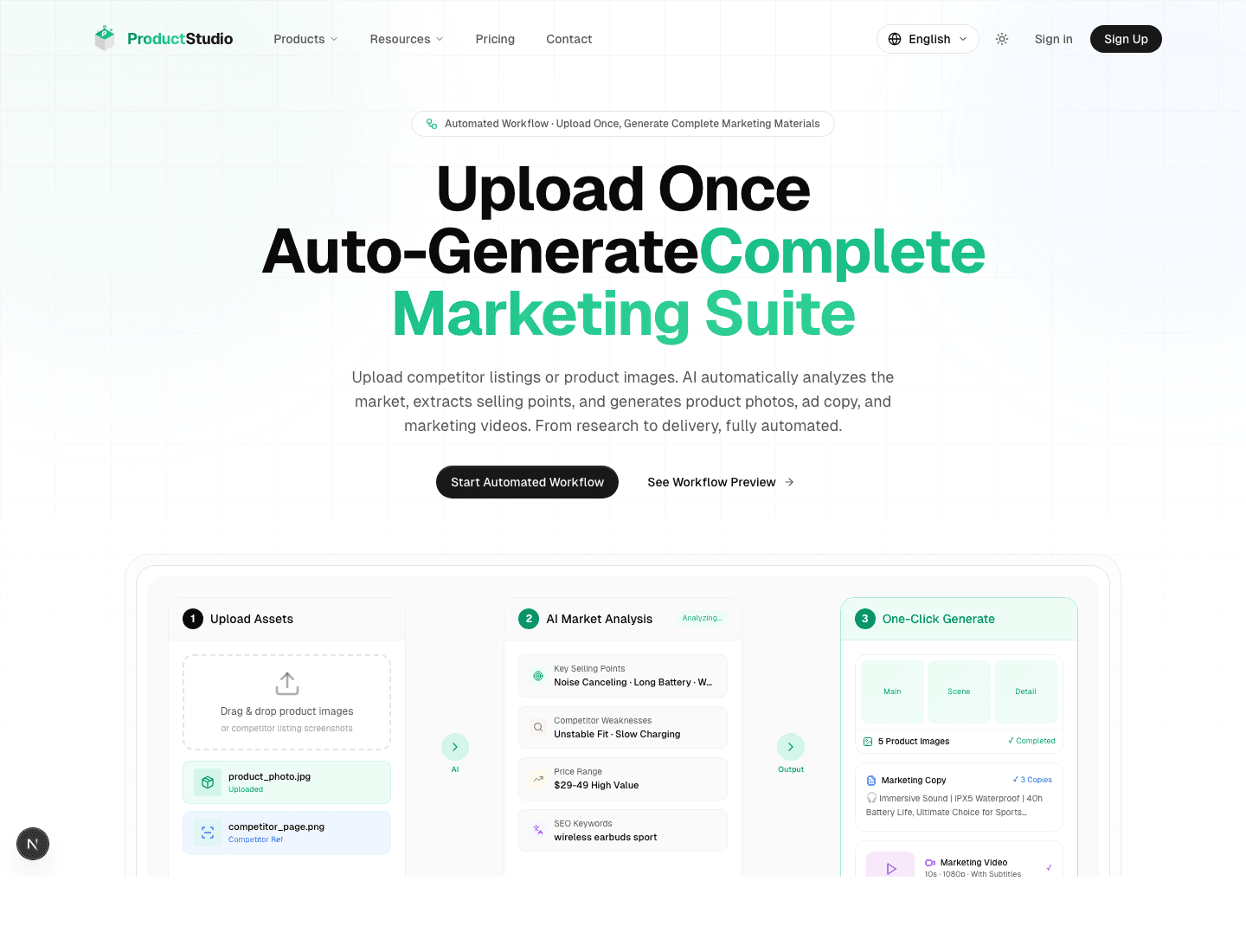
| Work | Best for | Main entry |
|---|---|---|
| Product images | Product photos, text removal, white backgrounds, new backgrounds, inpainting | Products -> Image |
| Marketing videos | Text-to-video and image-to-video product clips | /products/video |
| Automated workflow | Upload product assets and generate selling points, copy, images, and video tasks | Products -> Workflow |
Account, verification, credits, and source assets
You can browse many pages before signing in, but generation requires an account because credits are consumed. Protected areas such as workflow, dashboard, and credits require email verification.
| Item | What to prepare |
|---|---|
| Account | Sign up with email and password, or use Google login. |
| Email verification | Complete verification before using protected pages. |
| Credits | New users receive 50 credits. Images usually use 15, 20, or 30 credits depending on quality. |
| Image format | Use clear JPG, PNG, or WebP product images. Worker uploads support up to 10 images, 10 MB each. |
| Asset quality | Use clear product subjects with complete edges and minimal obstruction. |
Register and log in
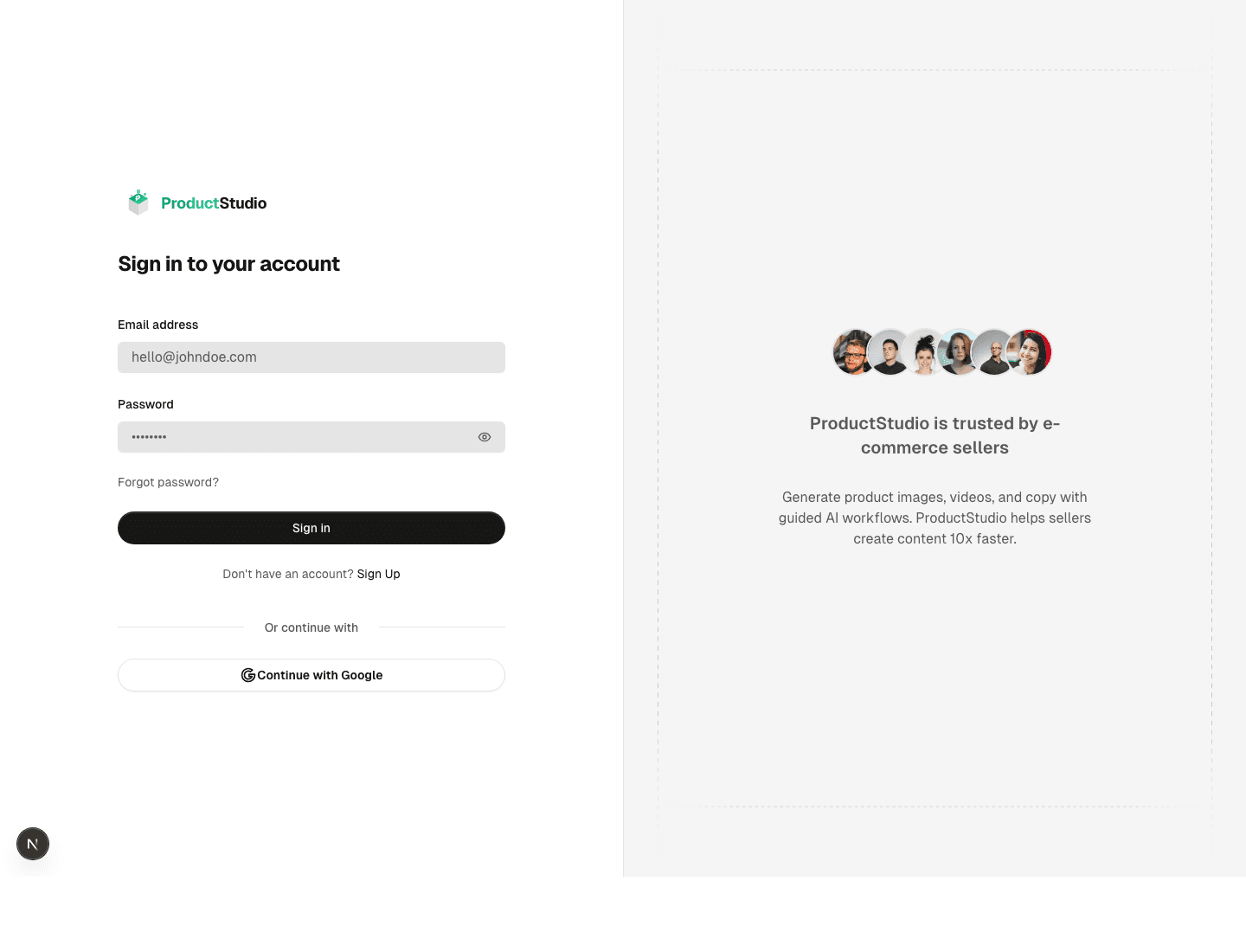
- 1Click Sign Up to create an account.
- 2If you already have an account, click Sign In.
- 3Enter your email and password, or continue with Google.
- 4Open the verification email and complete email verification.
- 5Return to the product page and start your first generation.
First generation checklist
- Start with one clear product image instead of a large batch.
- Write the product type, material, color, scene, output purpose, and any restrictions.
- Use standard quality for your first test, then increase quality after the direction is right.
- Download successful results and review them before publishing to a store or ad channel.
FAQ
Why does ProductStudio ask me to log in before generation?
Generation consumes credits and stores task history, so ProductStudio requires an account before running image, video, or workflow jobs.
Do I need to re-upload local images after login?
Usually yes. Browser-selected local files are not preserved across every login redirect, so select the image again after returning to the tool.
Next steps
GuideImage ToolsProduct photo generation, text removal, white backgrounds, product backgrounds, and local inpainting.Open resourceGuideVideo GenerationText-to-video, image-to-video, duration, aspect ratio, credits, and slow task handling.Open resourceManualCredits, History, and FAQCredits, pricing, usage history, downloads, failed generation handling, and pre-publish checks.Open resource
PRODUCTSTUDIO